Designing AI-first web experiences, product storytelling & growth systems for technical products.
Senior designer with 15+ years leading brand, web, growth, and digital experience for SaaS and technology companies. Currently at Imgix — partnering across leadership, product, growth, and marketing to build customer experiences that educate, convert, and scale.
Selected Work
Work spanning product education, conversion optimization, experimentation, and AI-enabled execution.
Turning complex image optimization into interactive learning.
Helping customers understand compression, format conversion, and responsive imagery through hands-on exploration — not static marketing copy.
Imgix offers powerful image optimization, but many of the underlying concepts are difficult to communicate through static content alone. The goal was a product education experience that transforms technical concepts into moments of discovery — while encouraging deeper product exploration.
I designed and built interactive demos for quality compression, format conversion, and responsive resizing. I prototyped the interactions in Figma Make, then implemented them in Webflow with custom JavaScript — collaborating on analytics instrumentation to understand engagement.
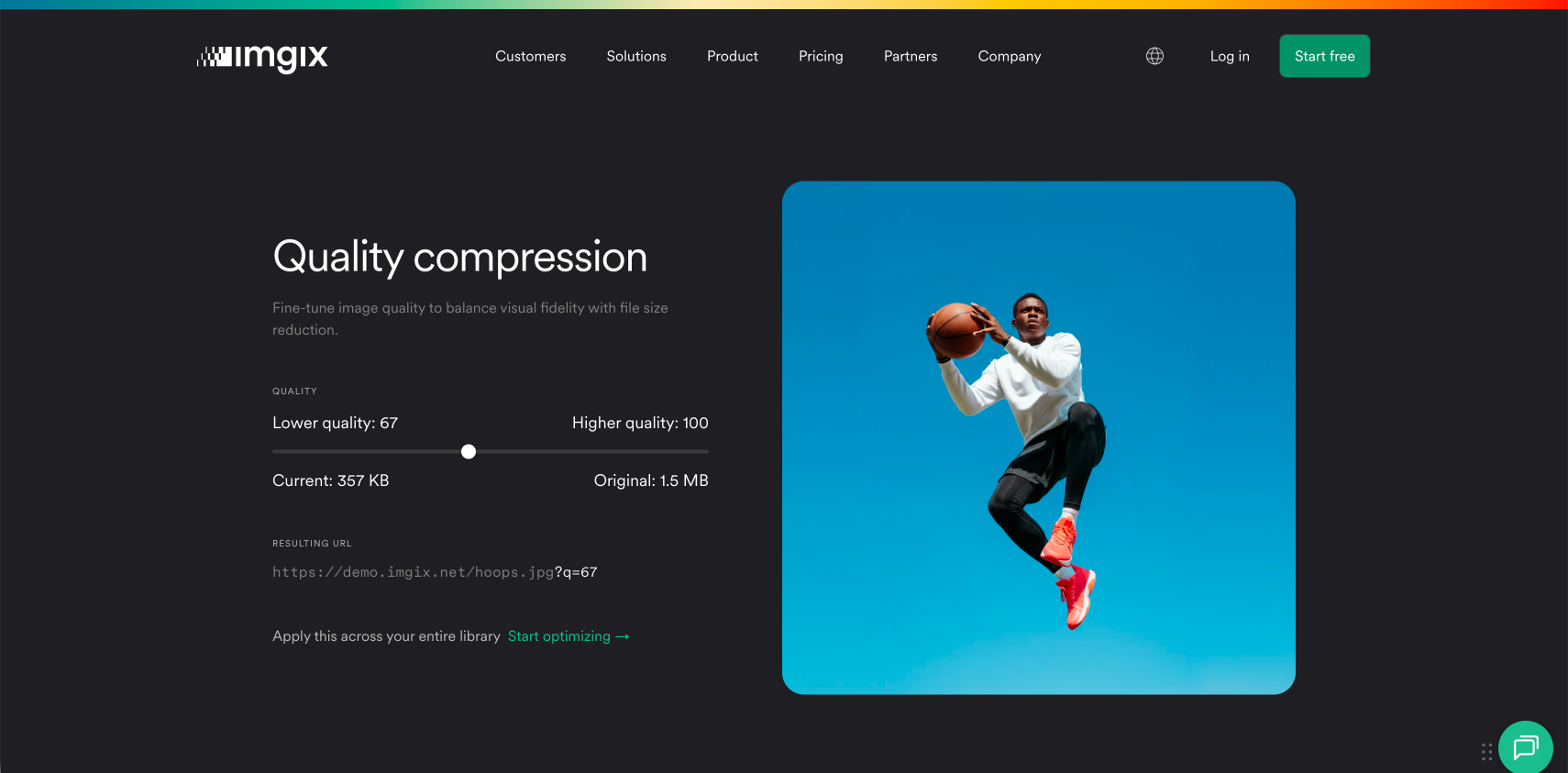
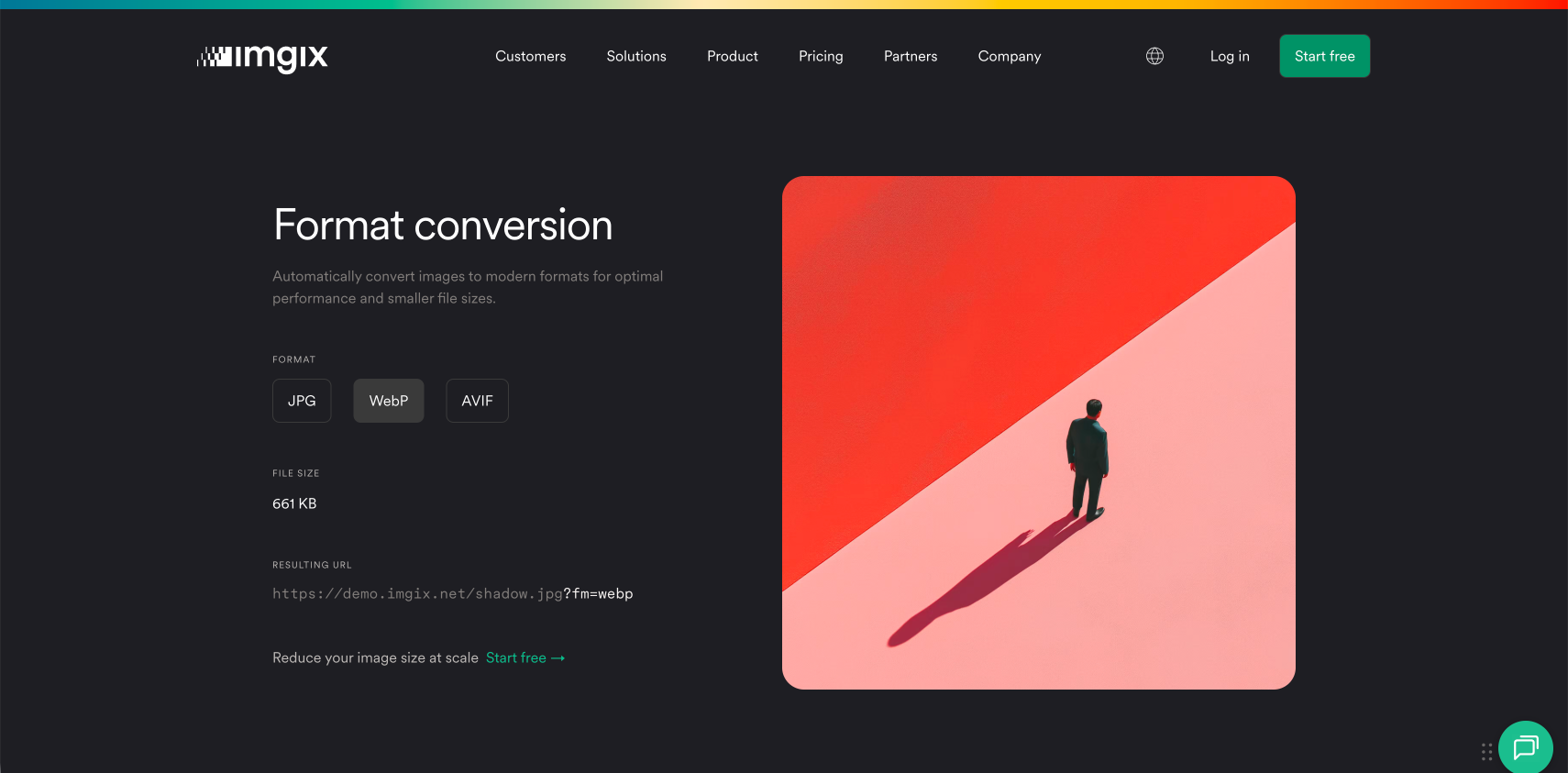
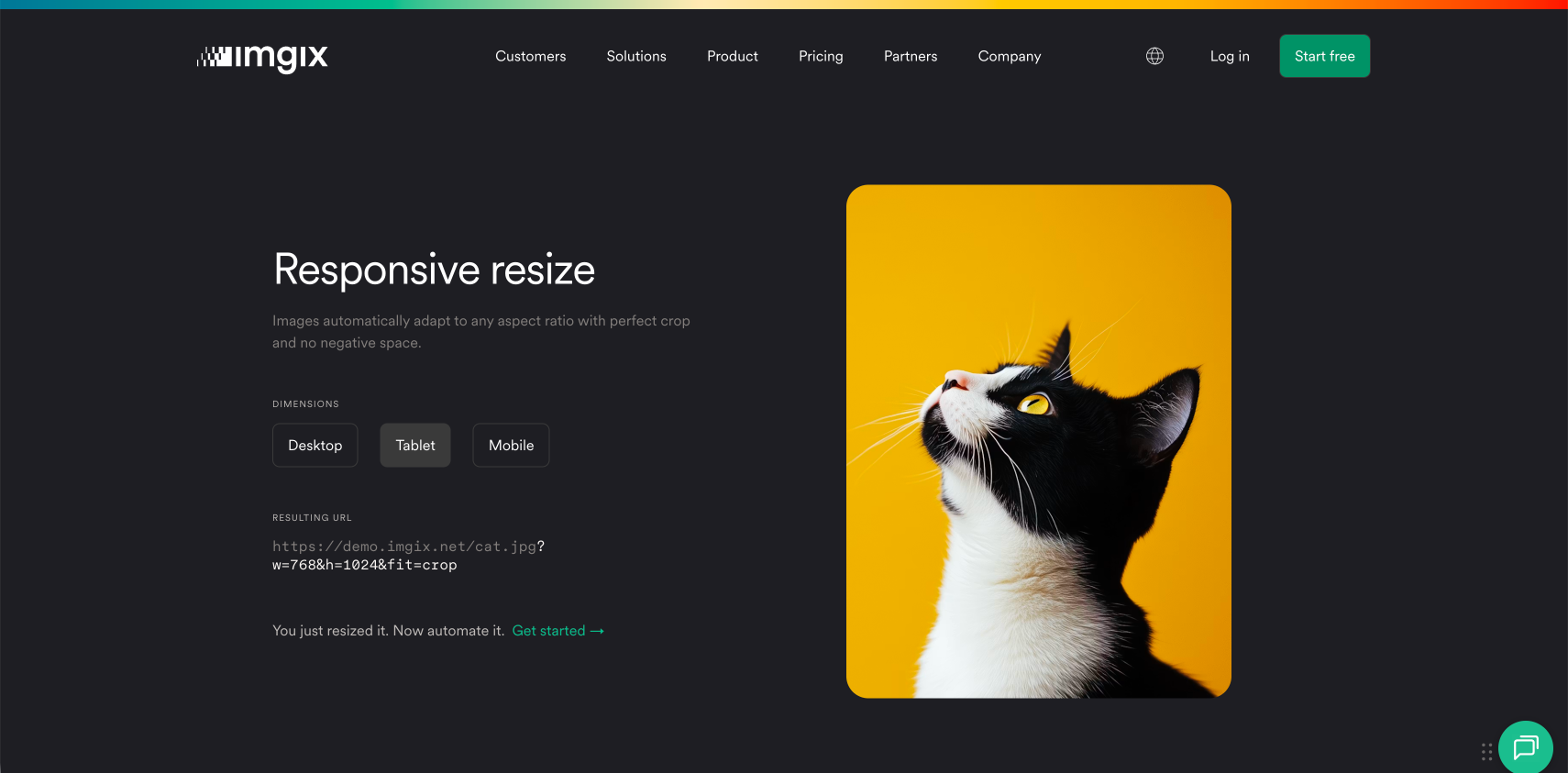
// Custom slider — reads the live ?q= param and reports engagement
const track = section.querySelector('[data-quality-track]');
const param = section.querySelector('[data-quality-url-param]');

function getQualityValue() {
  const m = param.textContent.match(/q=(\d+)/);
  return m ? parseInt(m[1], 10) : null;
}

track.addEventListener('change', () => {
  posthog.capture('quality_slider', { q: getQualityValue() });
});// Each demo control emits an event
posthog.capture('format_selected');
posthog.capture('quality_slider');
posthog.capture('dimensions_selected');
// Bound to the live demo selectors
[data-format]
[data-quality-track="true"]
[data-demo-id="resize-clean"]A more engaging product education experience that bridges technical understanding and conversion — turning abstract capabilities into moments customers can feel.
Evolving a technical SaaS site into a clearer, conversion-focused experience.
Owning strategy, design, implementation, and optimization of customer-facing experiences across imgix.com.
As the sole designer at Imgix, I lead website strategy, product storytelling, experimentation, and customer-experience improvements across the site — homepage evolution, chatbot, CTA strategy, and ongoing optimization. I ship much of this directly in Webflow, using Claude over an MCP connection to design and implement in a single loop.
I also collaborated on a redesign of our brand and rolled the new identity out across the site — then kept evolving it, making updates with Claude and Webflow.
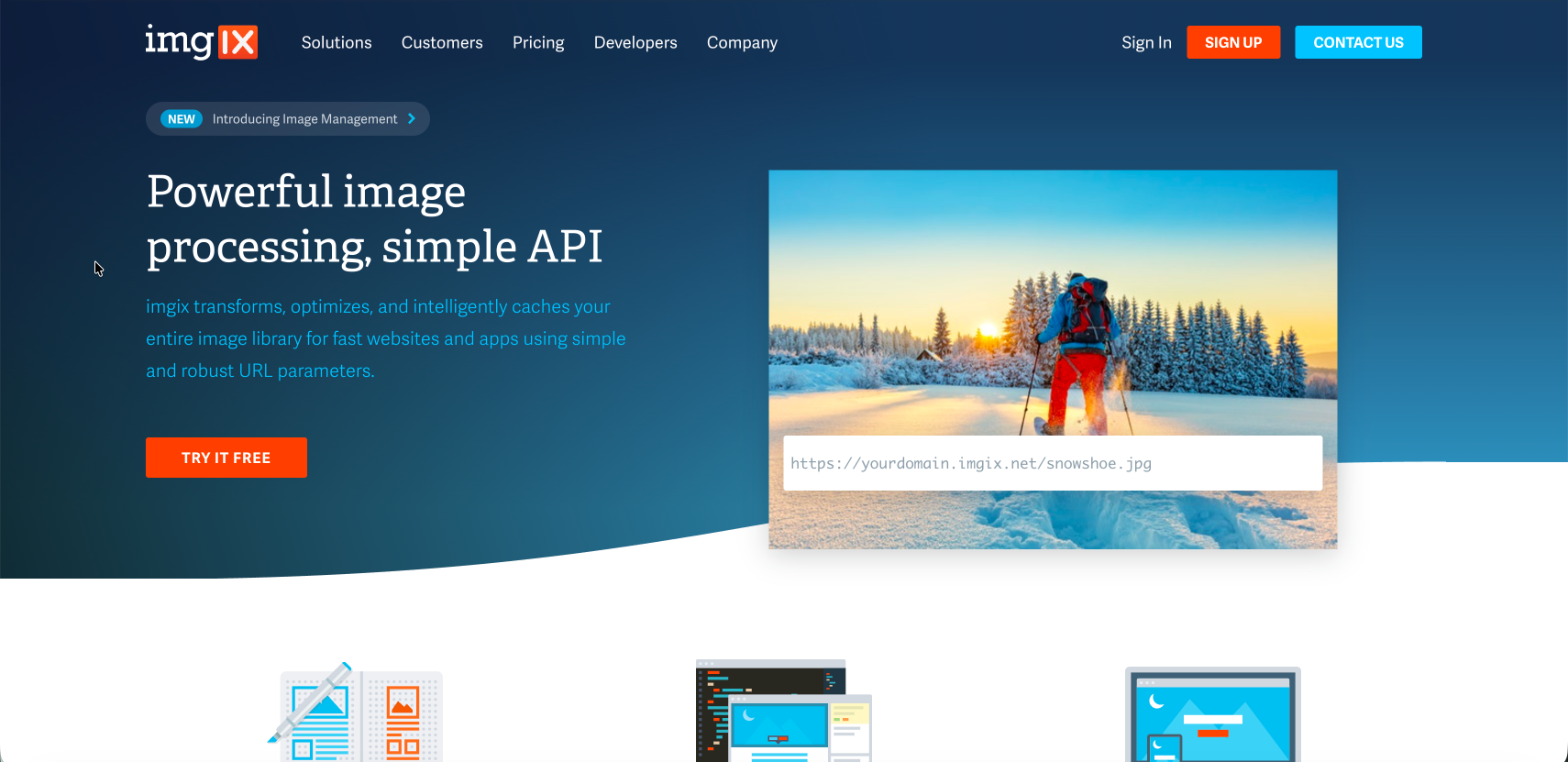
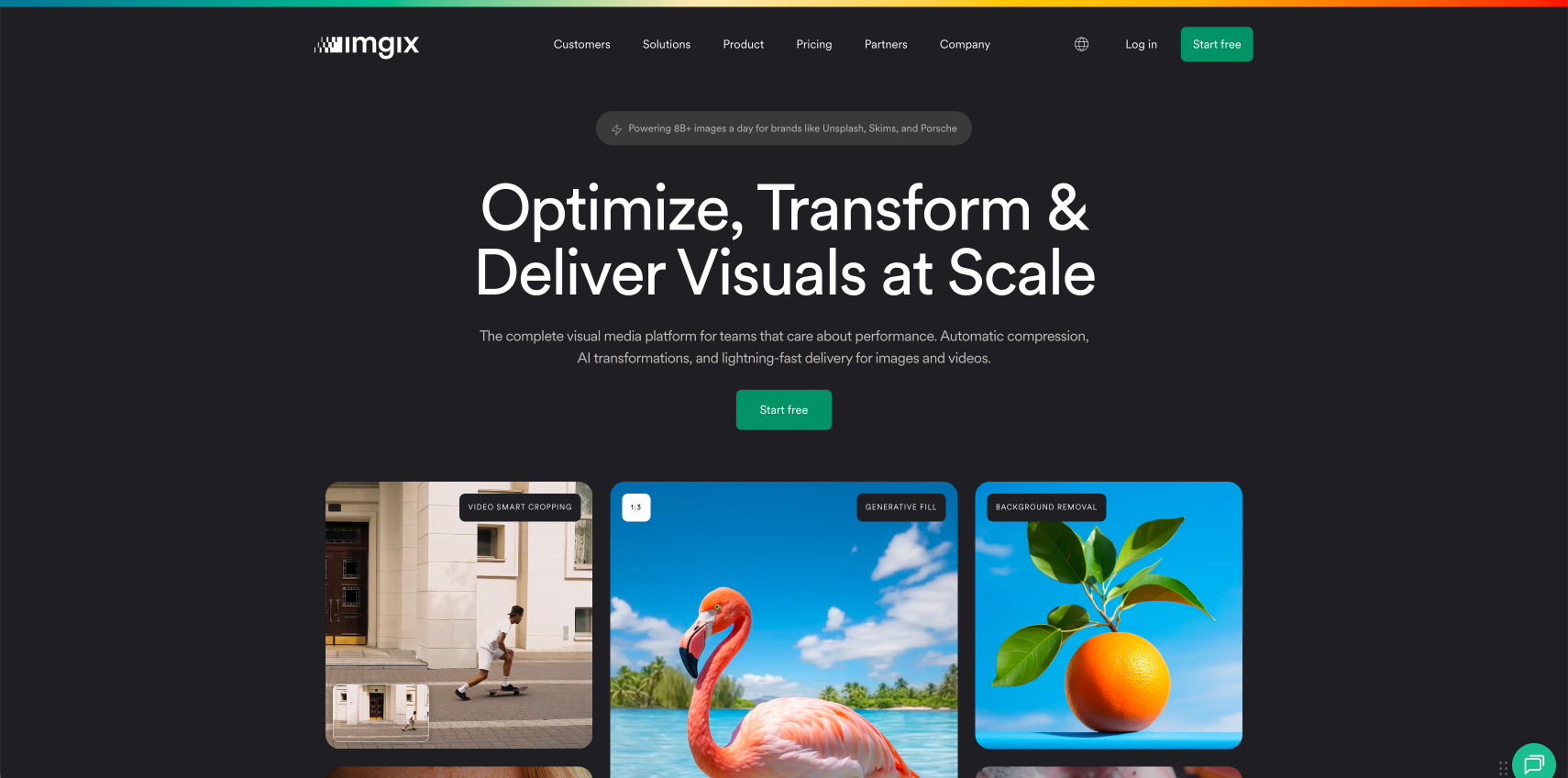
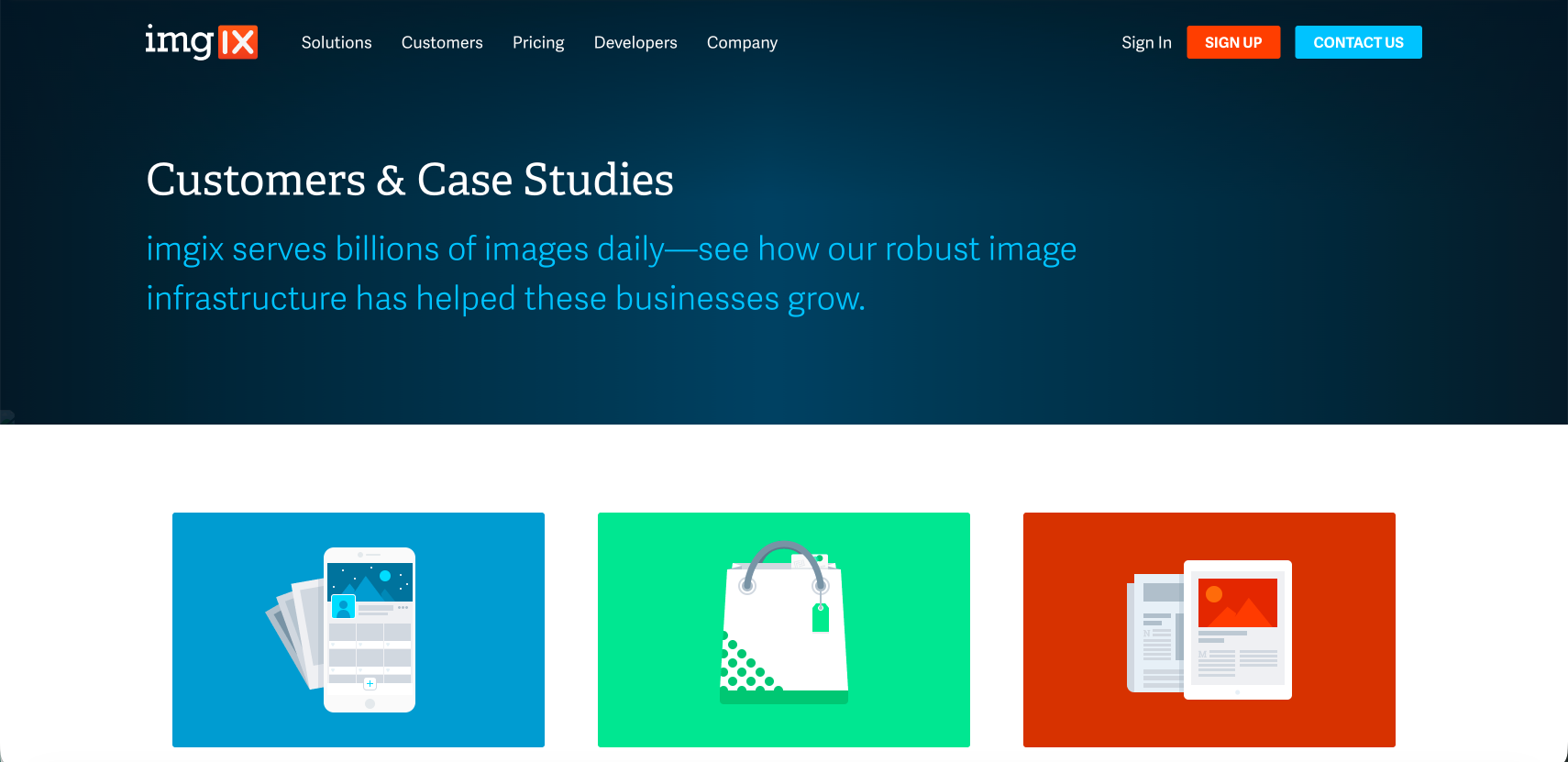
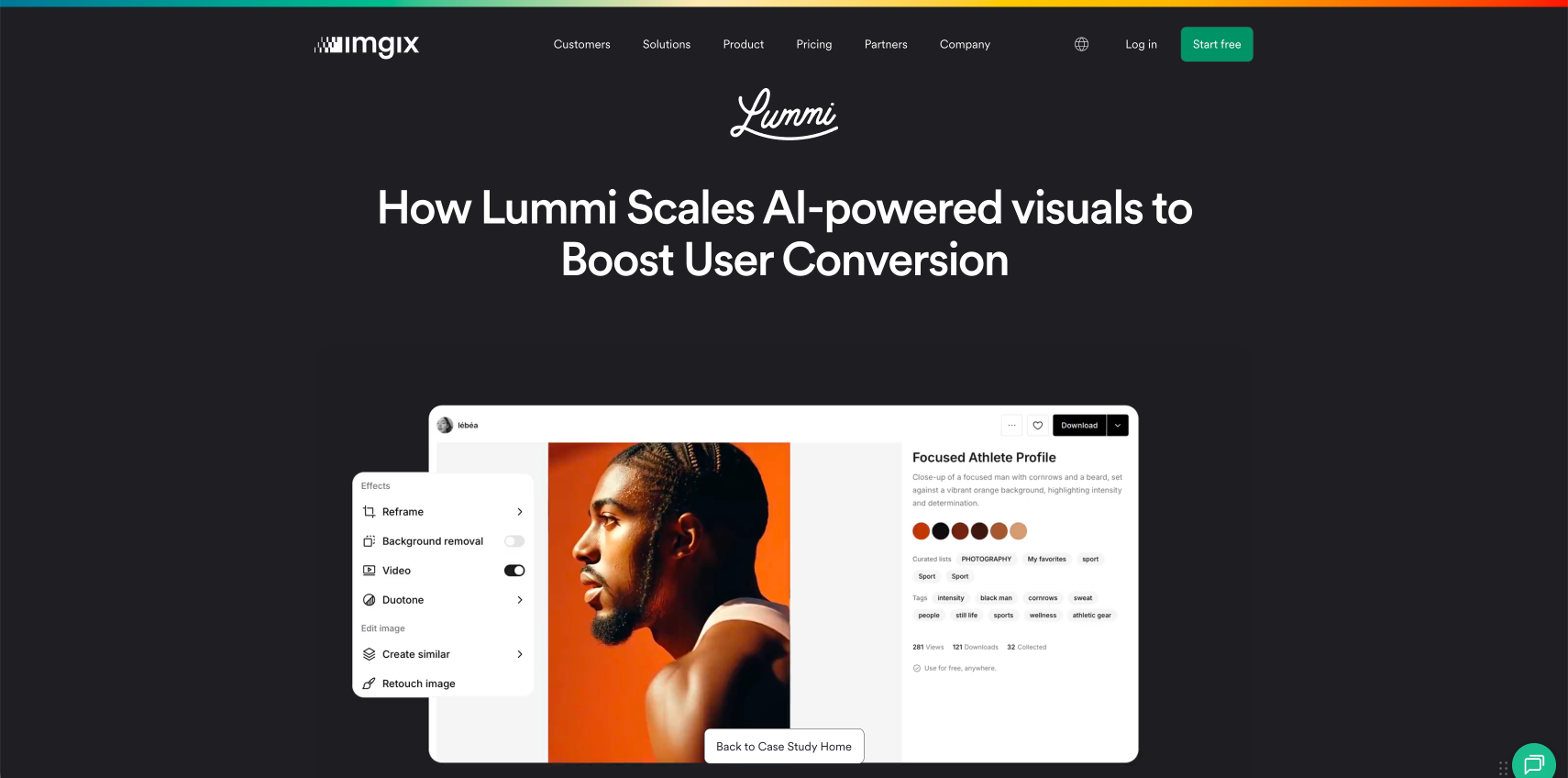
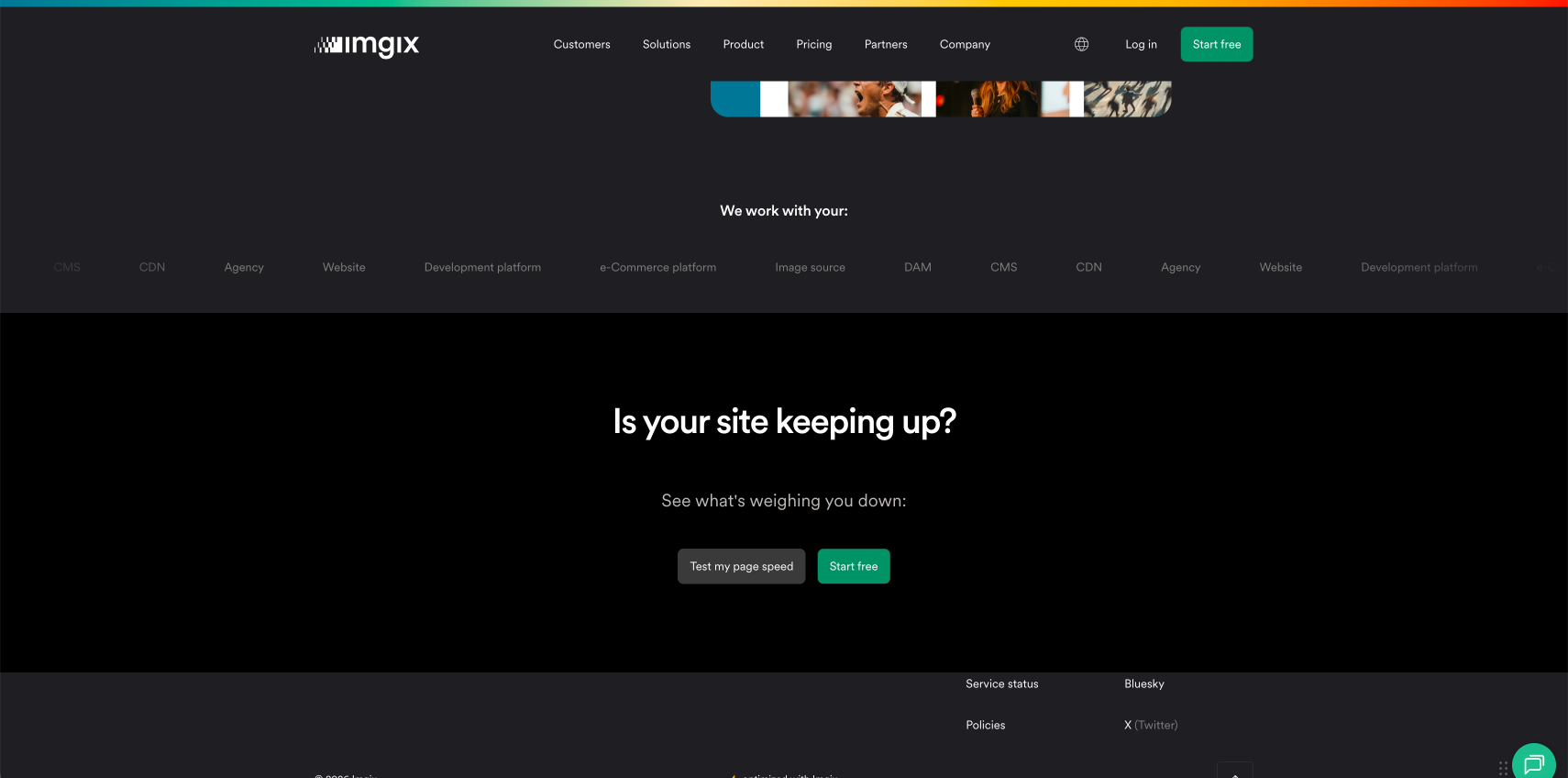
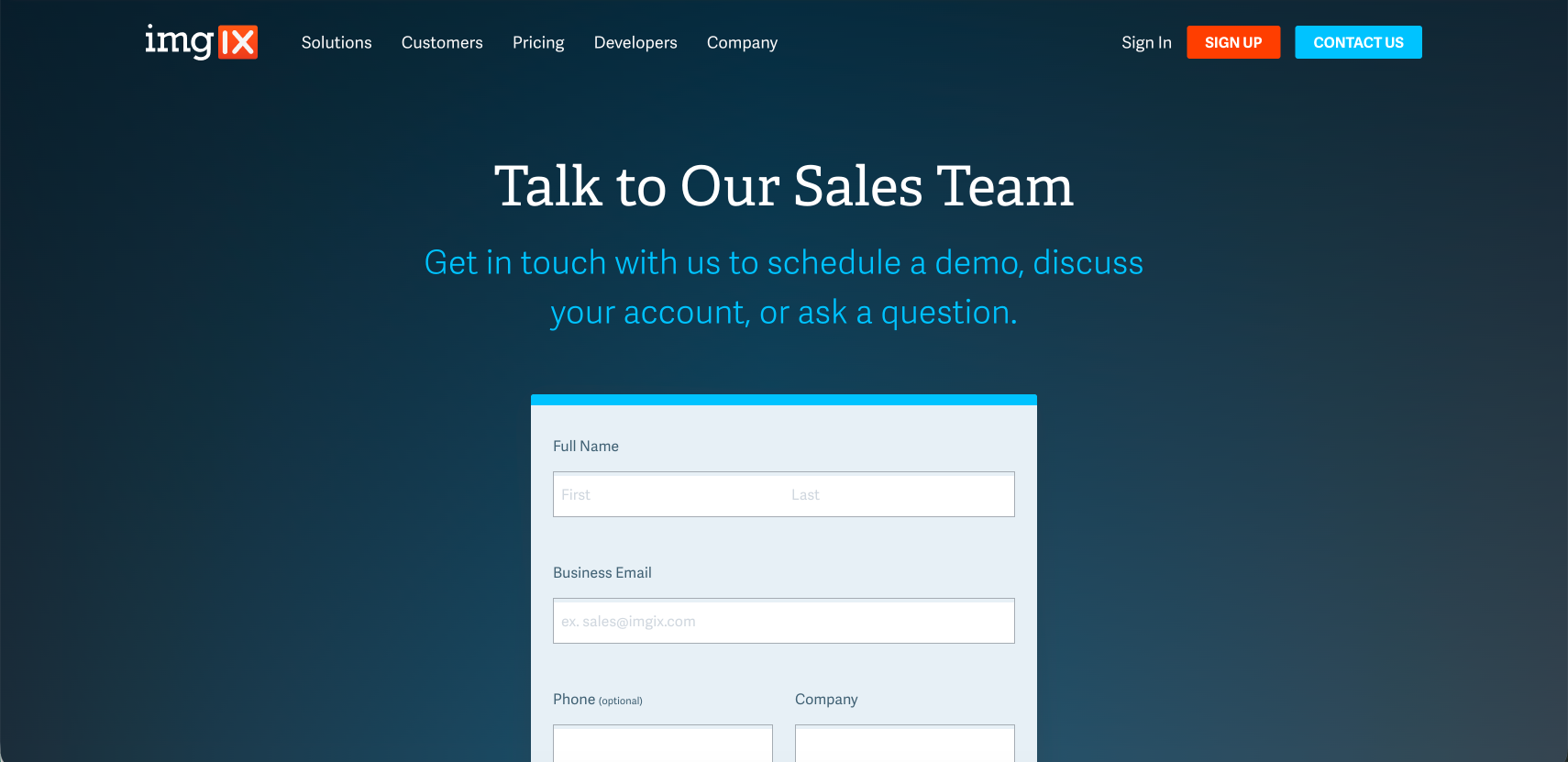
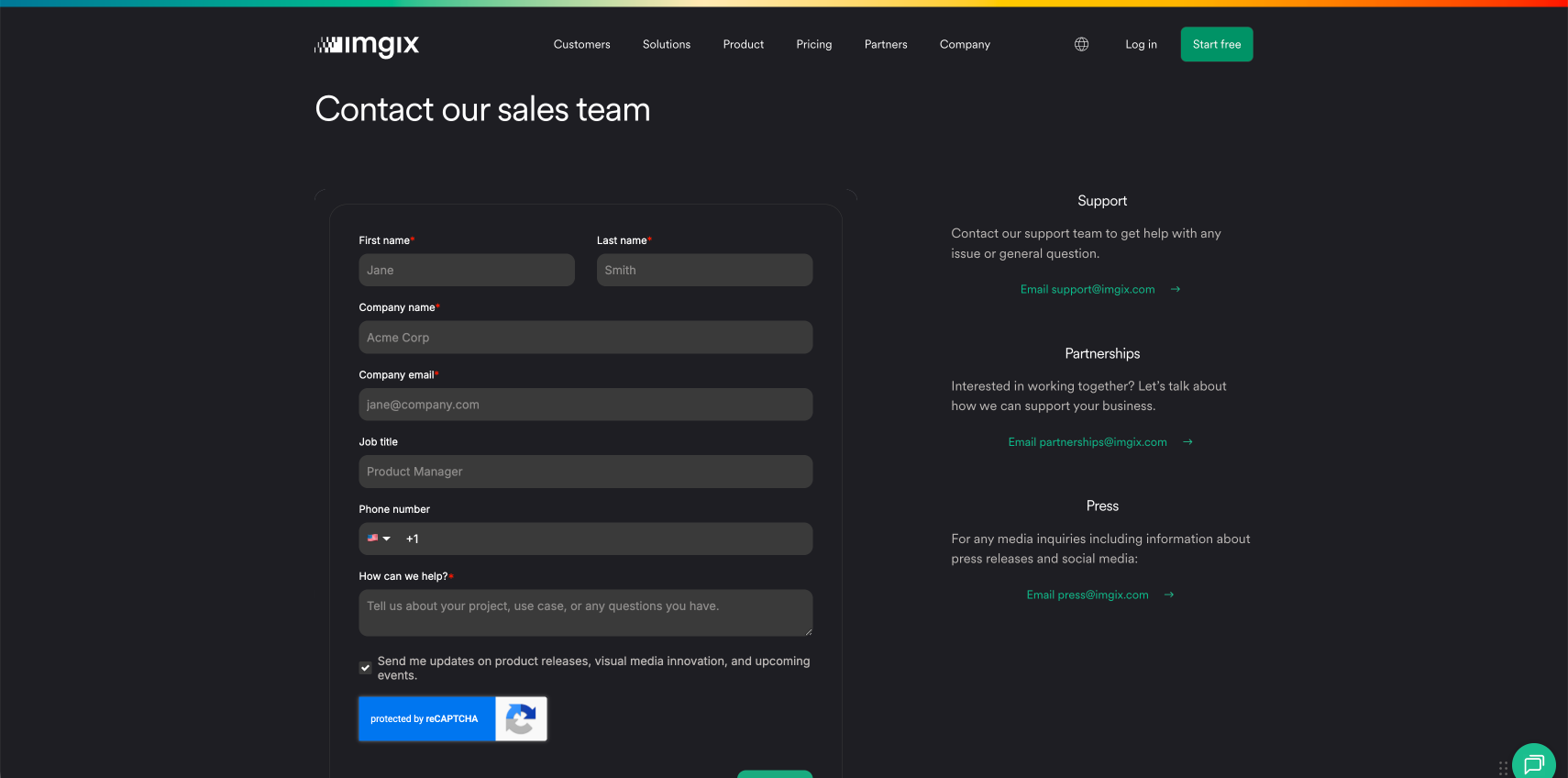
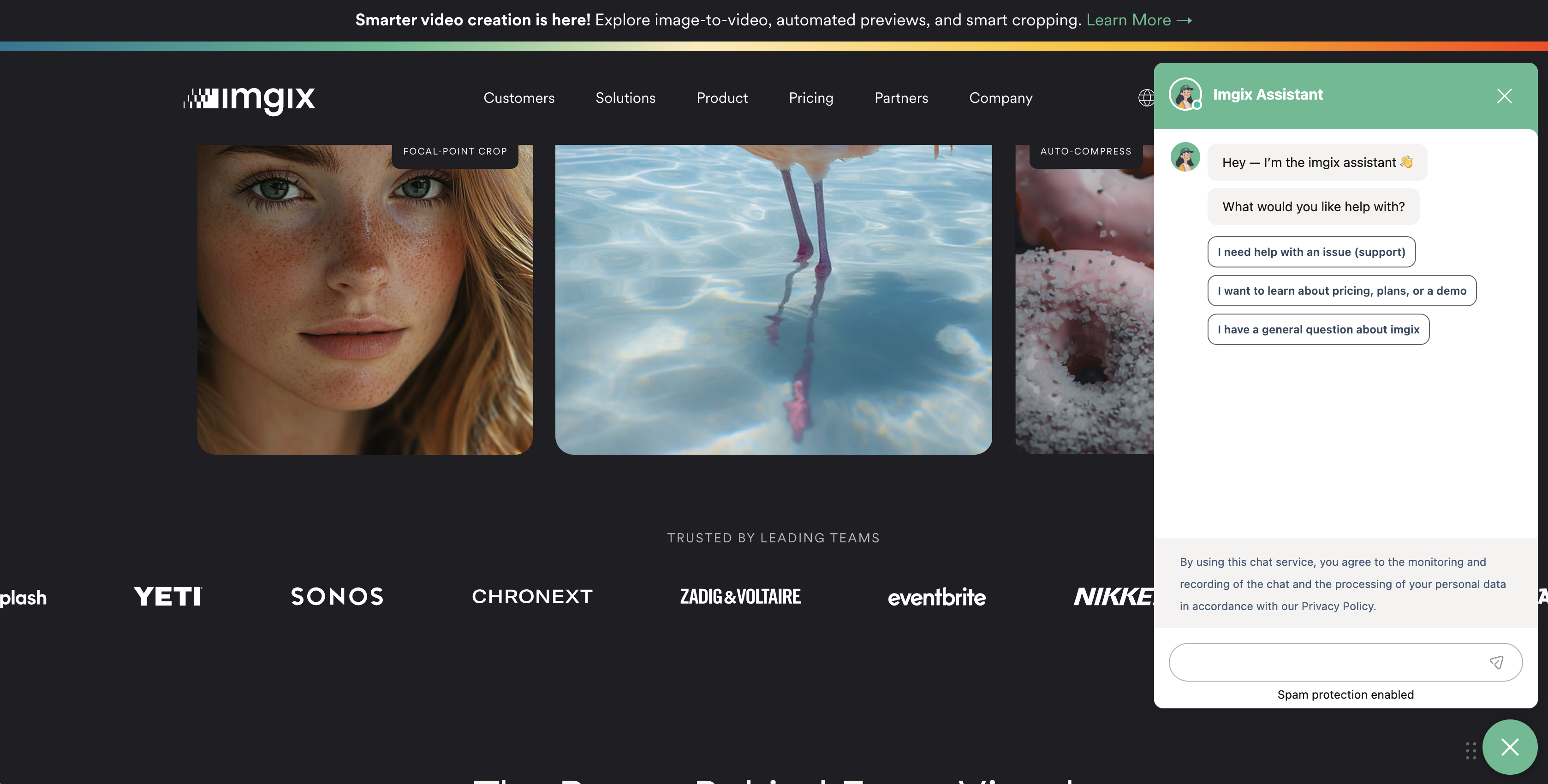
A stronger foundation for communicating complex product capabilities — with more opportunities for engagement and conversion, shipped directly in Webflow and accelerated through AI-enabled workflows.
Reducing cognitive load in the pricing evaluation experience.
Applying experimentation, UX thinking, and customer psychology to simplify decision-making.
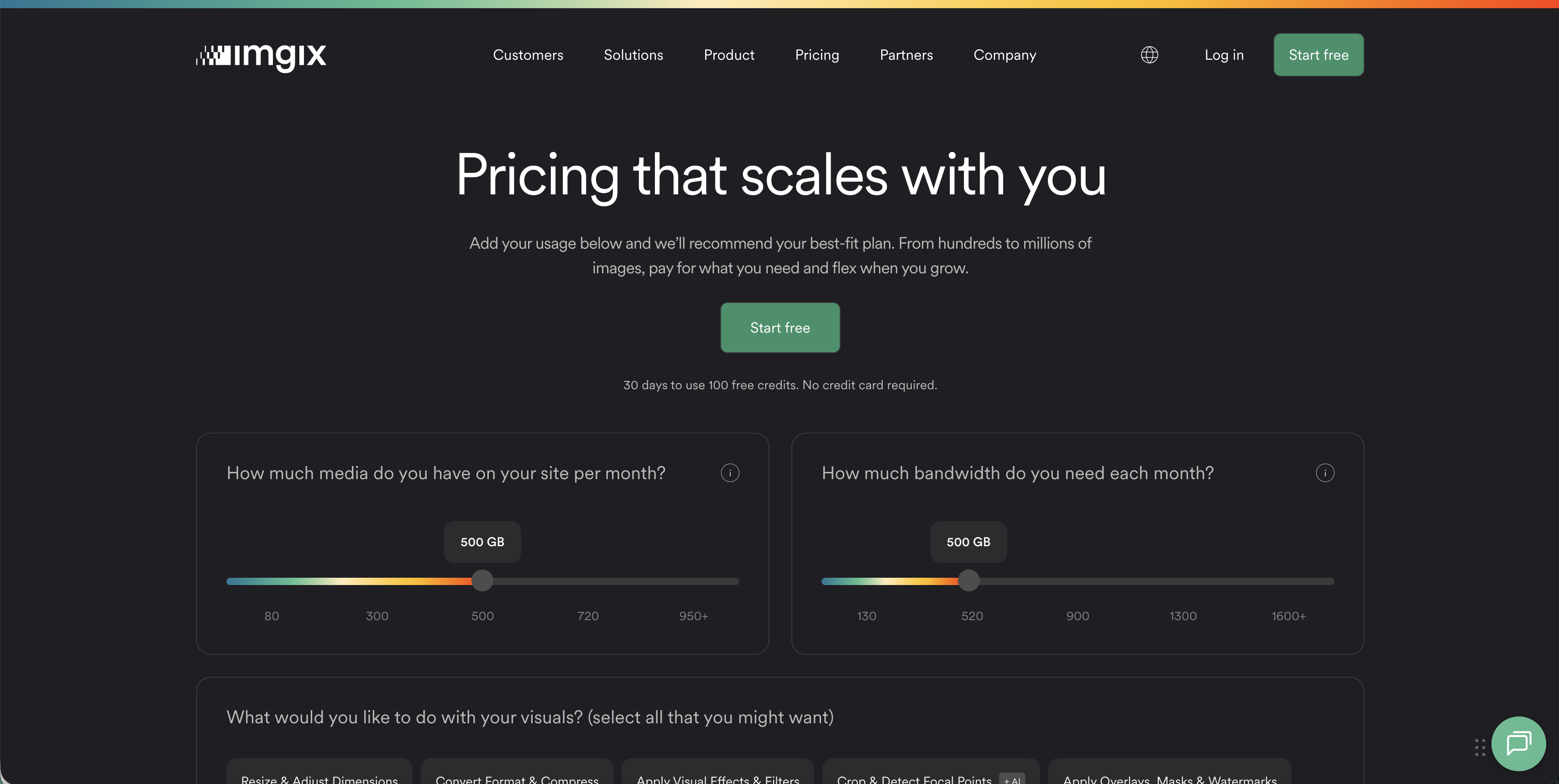
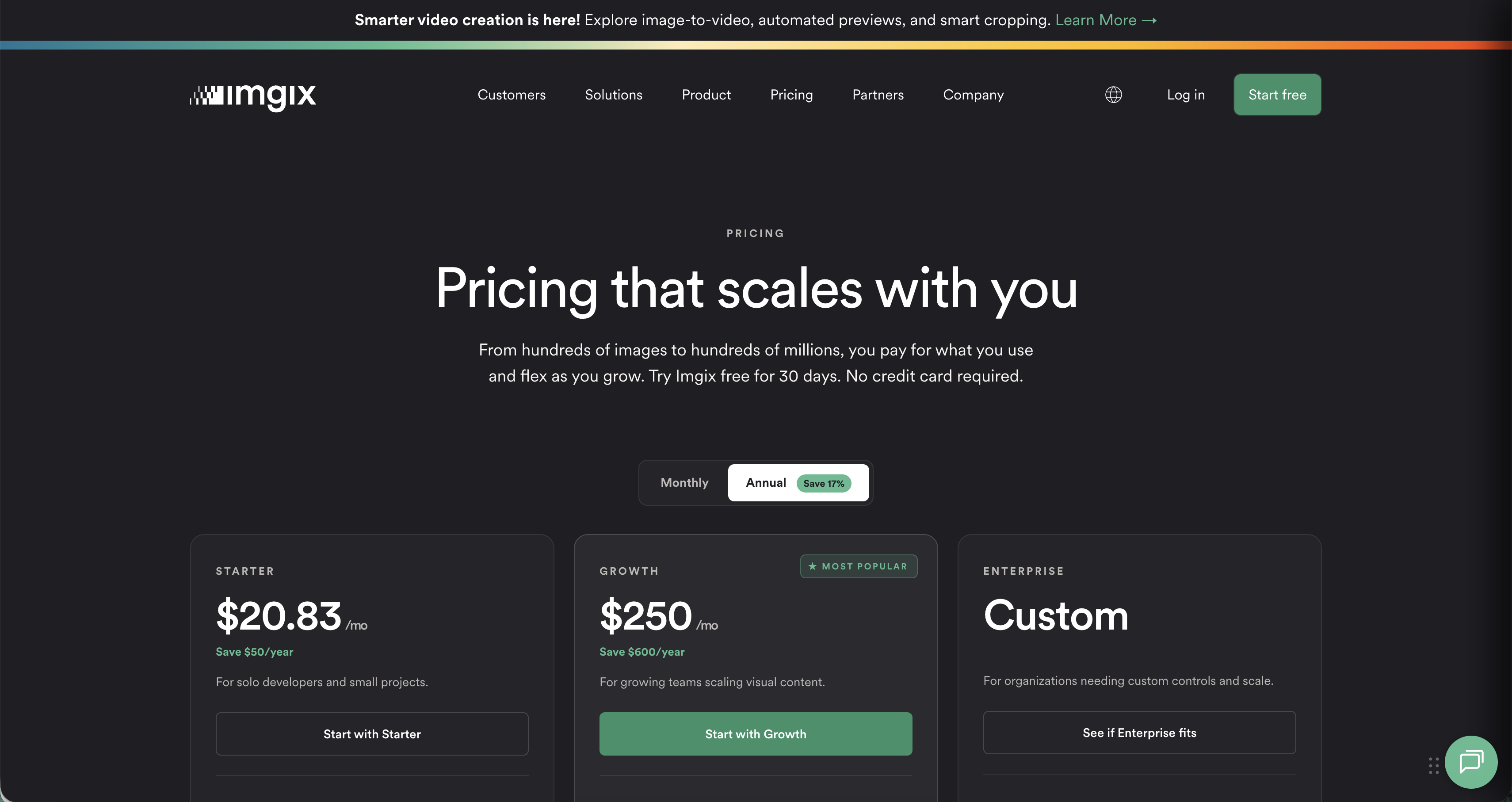
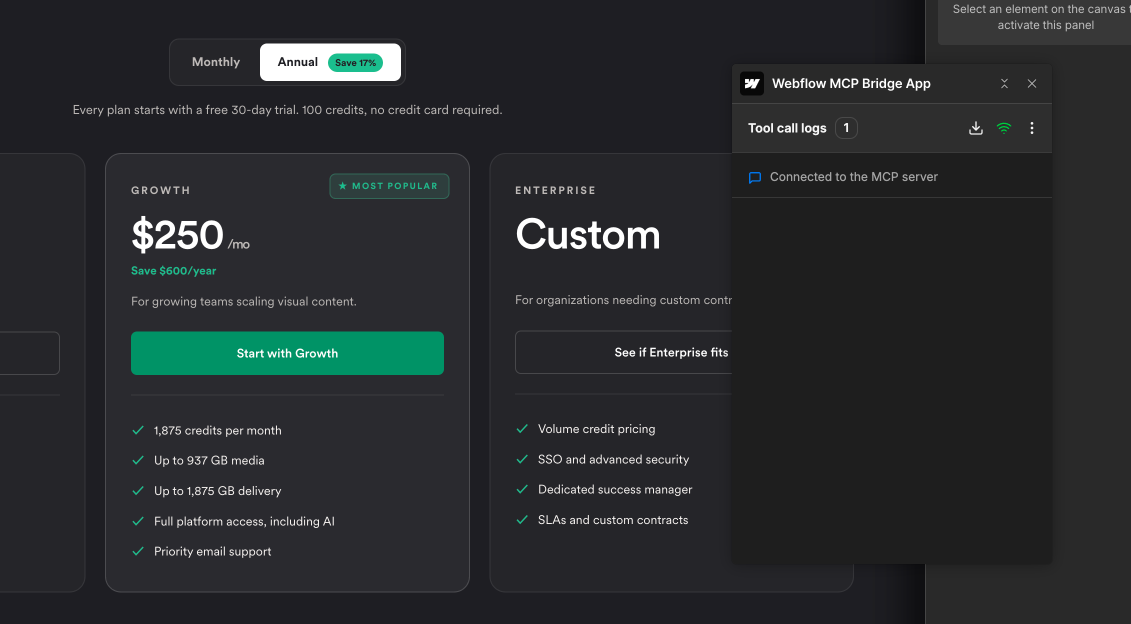
The existing pricing experience created friction through too many choices, overwhelming comparison content, and decision fatigue. The work reduced visible plan options, introduced guided recommendations, and built an expandable comparison — all on a framework designed for future experimentation.
This shipped as a live A/B test against the current pricing page, in close partnership with the growth marketing lead — pairing UX thinking with a clear conversion hypothesis.
<script>
  posthog.onFeatureFlags(function() {
    if (posthog.getFeatureFlag('pricing-page-test') === 'v2') {
      window.location.replace('/pricing-v2');
    }
  });
</script>
A more focused evaluation experience designed to improve clarity and reduce friction — plus a reusable framework for testing future pricing hypotheses.
Balancing product education and lead generation in a self-service demo.
A seamless content-gating experience that delivers value first — without sacrificing business goals.
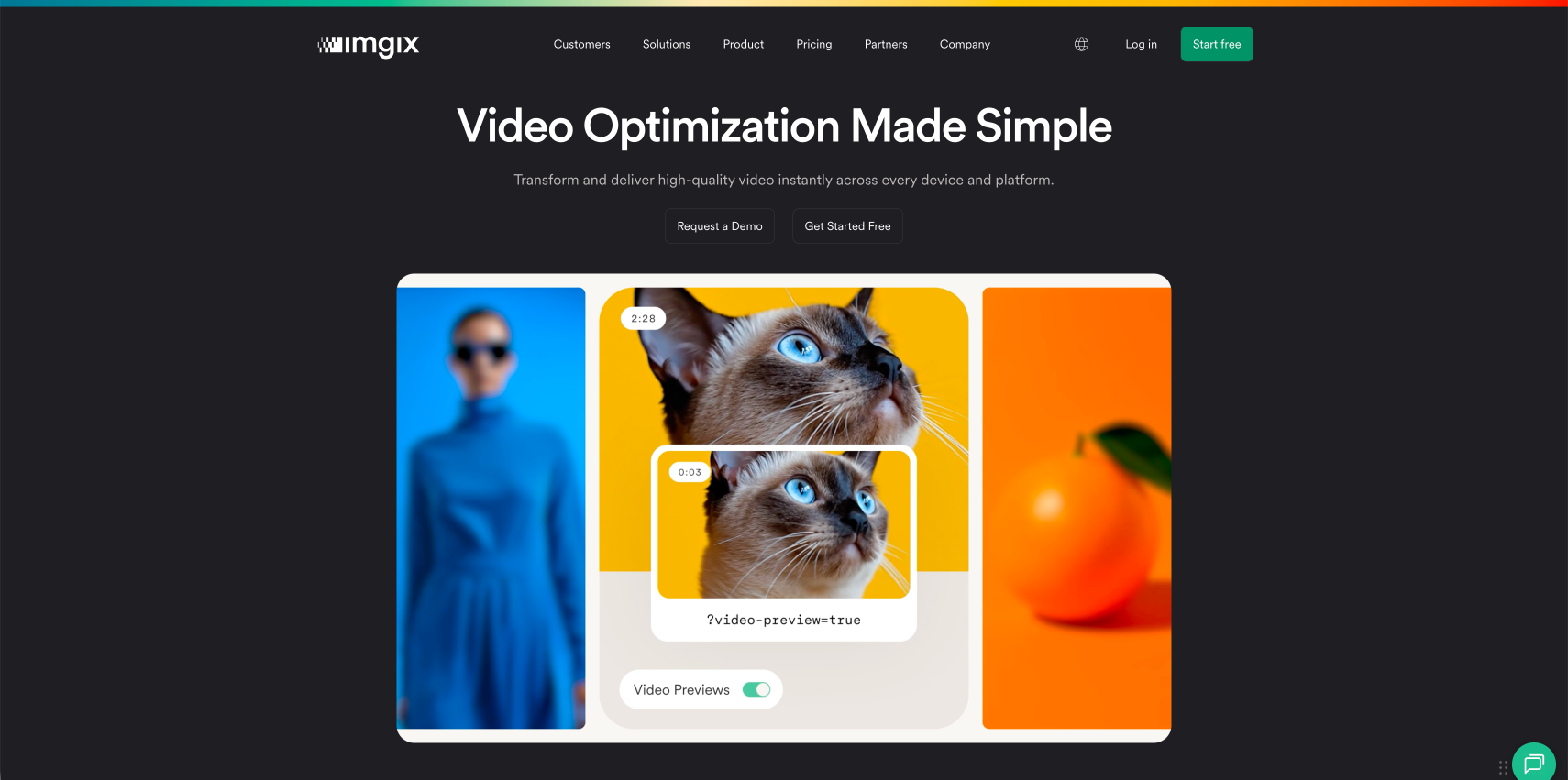
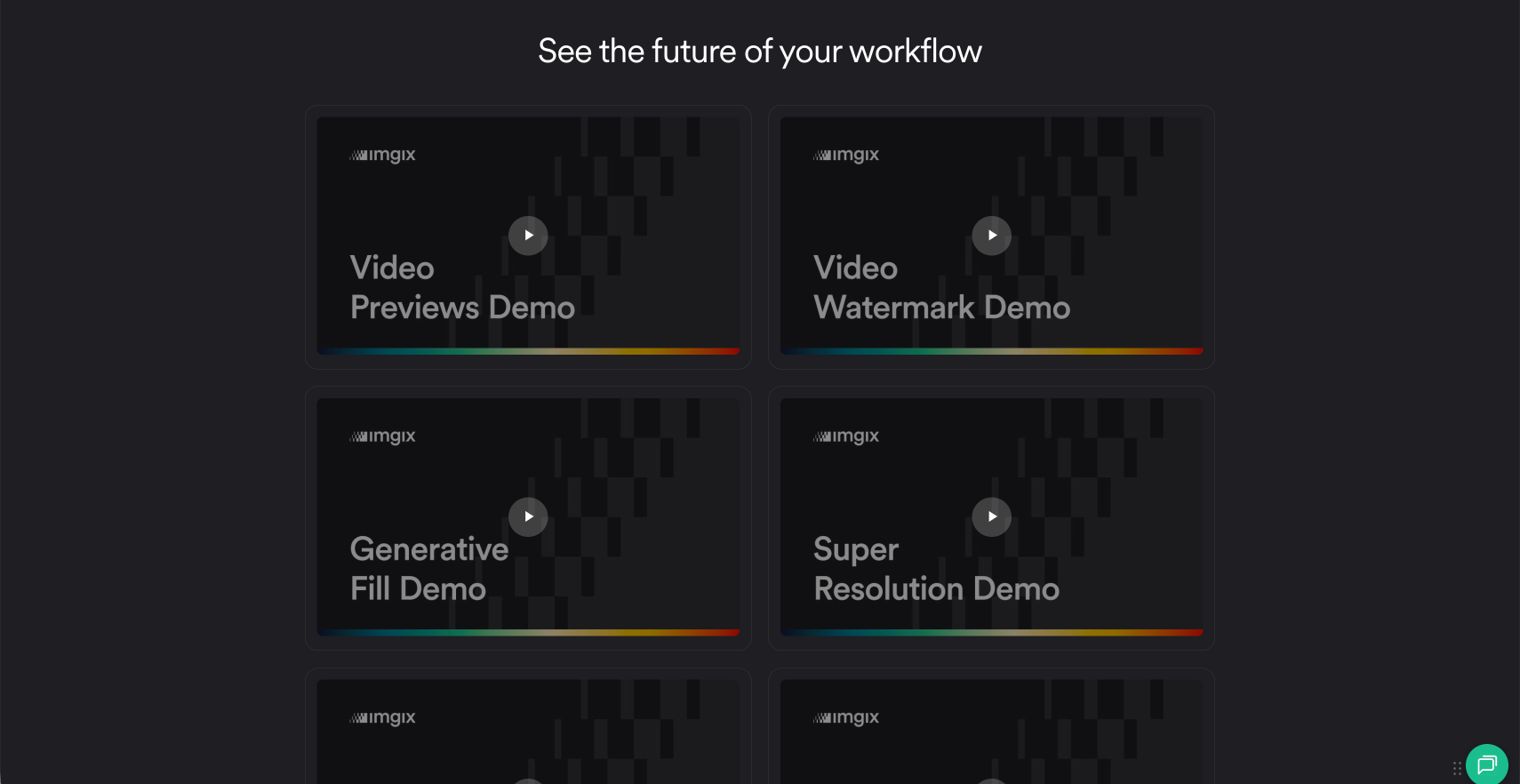
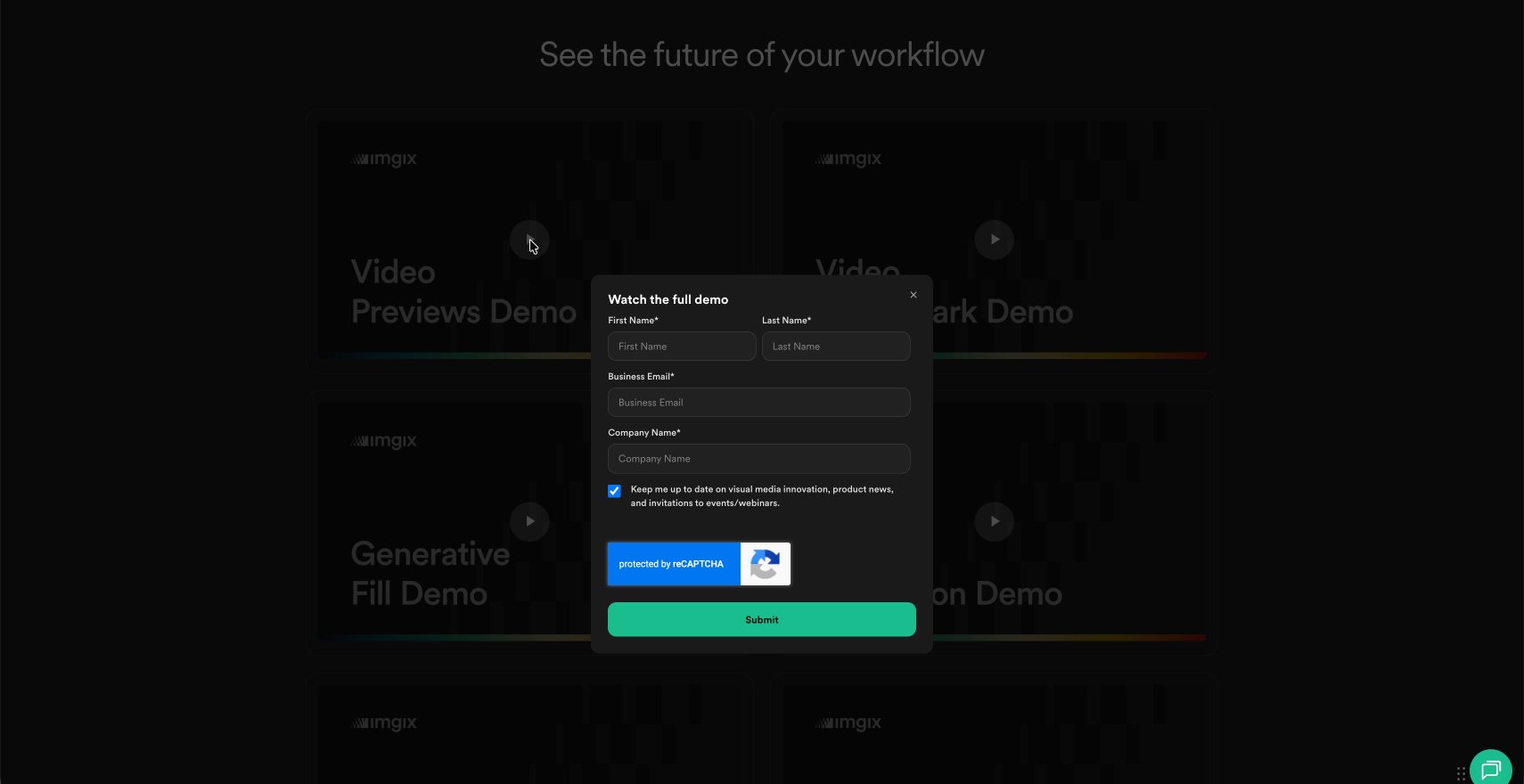
Prospects wanted to explore product capabilities before talking to sales, but traditional lead-gen forms introduce friction. I designed and built a custom gated Video Vault — integrating HubSpot forms with custom JavaScript and browser storage so the unlock persists for future visits.
To anchor the experience, I produced a new hero video that showcases the platform's latest capabilities, and upgraded a dated, low-resolution clip elsewhere on the page to a sharper, on-brand cut — raising the perceived quality of the product and giving prospects a stronger reason to keep exploring.
// Unlock the vault once, then remember it
function unlockVault() {
  setCookie('vault_access', 'granted', 90);
  document.querySelectorAll('[data-gated]')
    .forEach(el => el.classList.remove('is-locked'));
}

hubspotForm.addEventListener('onFormSubmitted', () => {
  unlockVault();
  posthog.capture('vault_unlocked');
});

if (getCookie('vault_access')) unlockVault();  // returning visitor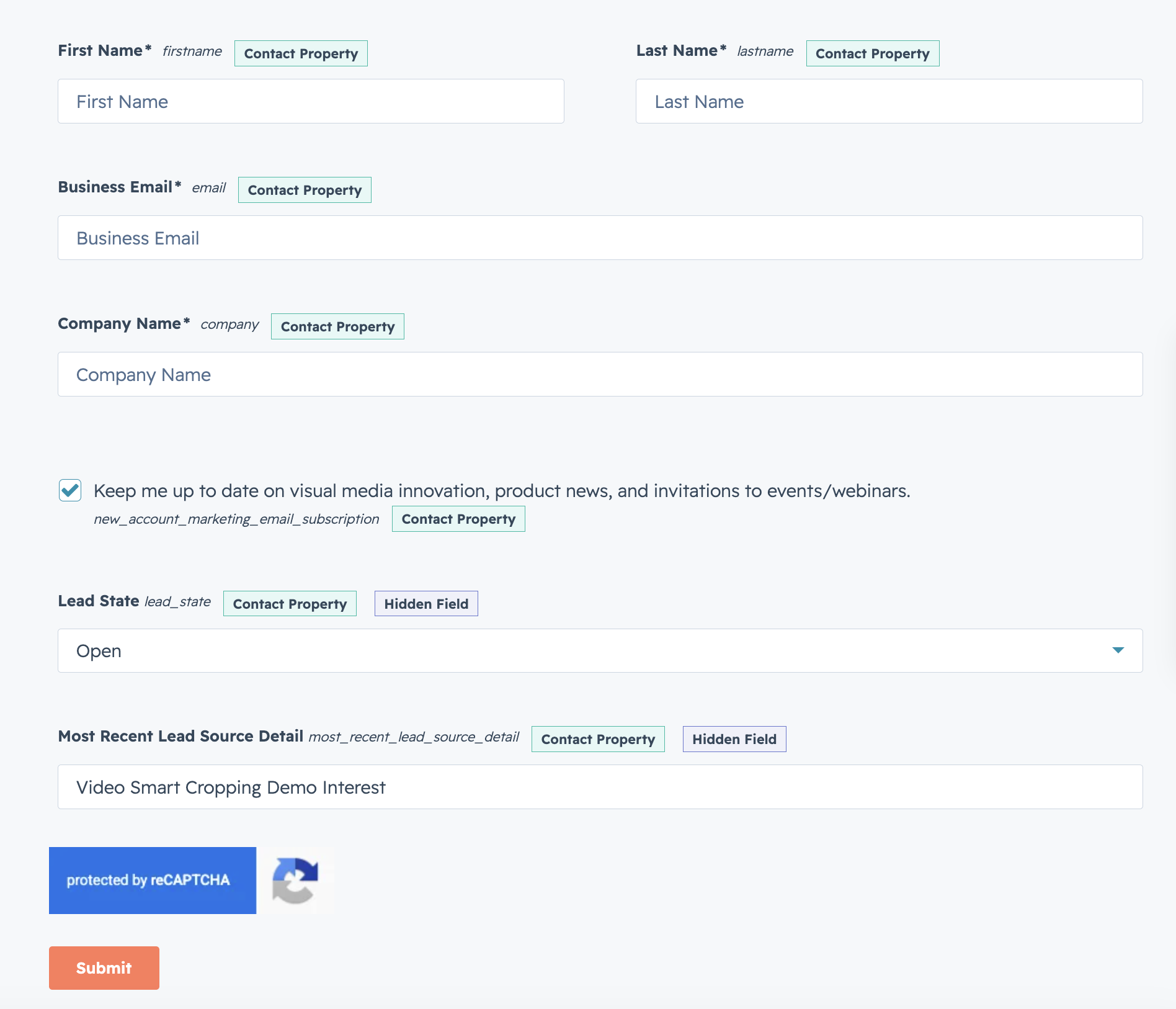
A scalable product-demo experience that improved the balance between customer value and lead generation — value first, friction last.
How I Work
A living system — built with AI, not around it.
I work at the intersection of business goals, customer needs, design execution, and AI-enabled workflows — treating design not as a final deliverable but as an ongoing loop for learning and improvement. AI is woven through every stage, expanding what's possible and increasing speed, exploration, and execution capacity, so I can design, build, and measure in one continuous loop.
Experience
Translating complex ideas into experiences people understand and adopt.
15+ years across brand, product, growth, digital experience, and customer education.